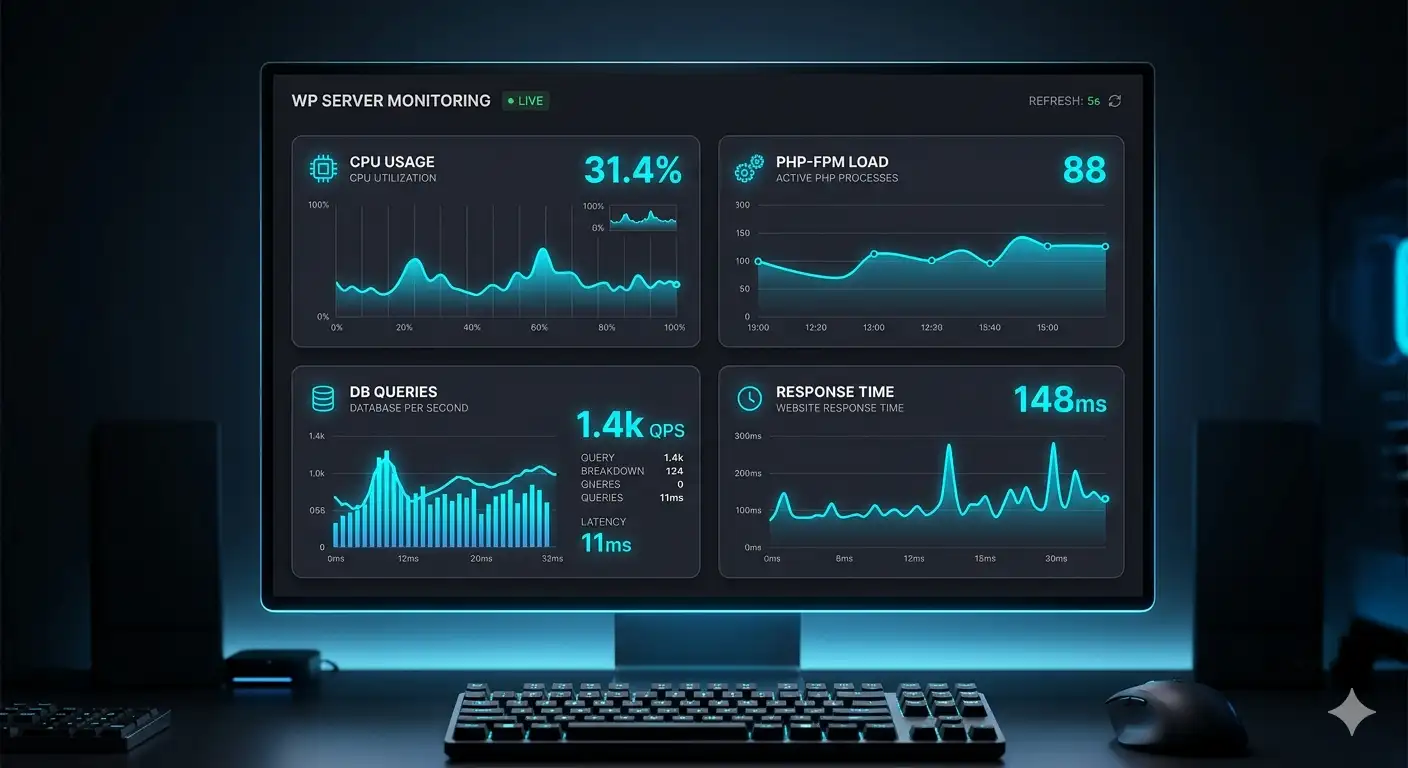
WordPress performance optimization is not just about caching plugins or minifying CSS. Real performance comes from server‑level improvements such as PHP‑FPM tuning, database optimization, TTFB reduction, caching layers, and network latency control. This guide explains a complete, technical workflow used in high‑traffic and enterprise environments.
1. Understanding WordPress Performance Bottlenecks
Before optimizing, it’s essential to understand where the slowdown originates. The most common bottlenecks include:
- Slow TTFB
- PHP‑FPM saturation
- Heavy or unoptimized plugins
- Slow database queries
- Missing or misconfigured caching
- Poor hosting configuration
- High latency or DNS issues
- External API delays
- WooCommerce heavy operations
2. Measuring Performance Correctly
You cannot optimize what you cannot measure. Therefore, use the right tools:
- WebPageTest → best for TTFB and waterfall
- GTmetrix → visual breakdown
- Chrome DevTools → real‑world metrics
- Query Monitor → plugin/theme bottlenecks
- New Relic → enterprise‑level profiling
- Server logs → PHP‑FPM, Nginx, MariaDB
3. TTFB Optimization (The Most Important Metric)
TTFB is the foundation of WordPress performance optimization. If TTFB is slow, everything else collapses.
Main causes of slow TTFB:
- Slow PHP execution
- PHP‑FPM overloaded
- Database slow queries
- No caching
- Poor hosting
- Slow external requests
- Misconfigured Cloudflare
How to reduce TTFB:
- Enable full‑page caching
- Optimize PHP‑FPM workers
- Reduce plugin load
- Fix slow queries
- Use Redis object cache
- Tune Nginx/Apache
- Use Cloudflare APO
4. PHP‑FPM Optimization
PHP‑FPM is the engine behind WordPress. Moreover, if it’s slow, the entire site becomes slow.
Key optimizations:
- Set correct
pm = ondemandorpm = dynamic - Tune
pm.max_children - Reduce slow scripts
- Use PHP 8.2+
- Increase execution time only when needed
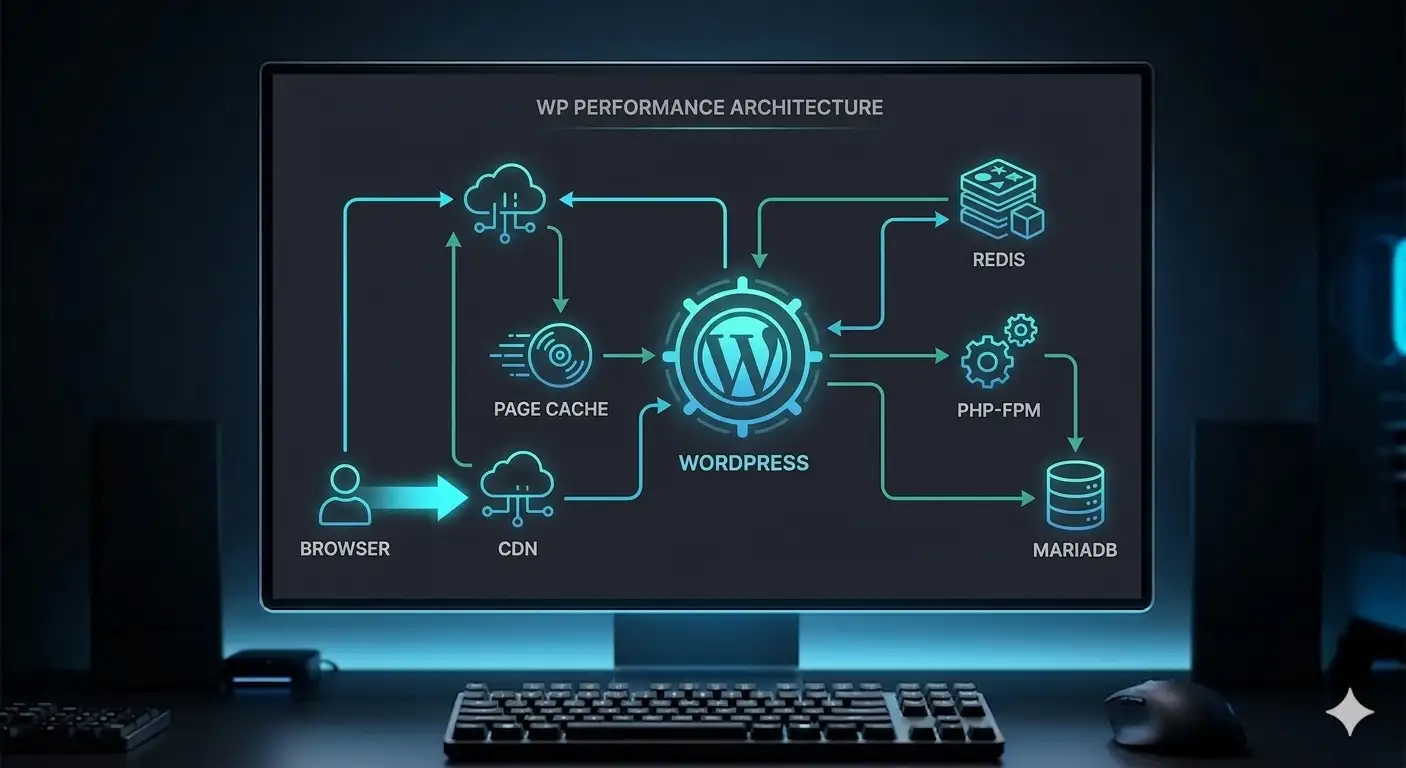
5. Caching Layers
Caching is mandatory for WordPress performance optimization.
Full Page Cache
- Cloudflare APO
- Nginx FastCGI cache
- LiteSpeed cache
- Varnish
Object Cache
- Redis
- Memcached
Opcode Cache
- OPcache
6. Database Optimization
The database is often a major bottleneck. Therefore, optimizing it is essential.
Key optimizations:
- Enable slow query log
- Optimize indexes
- Remove autoloaded bloat
- Fix WooCommerce queries
- Tune MariaDB buffers
7. Plugin & Theme Optimization
Plugins are often the hidden cause of slowdowns. As a result, identifying heavy plugins is crucial.
How to identify heavy plugins:
- Query Monitor
- New Relic
- PHP logs
8. Server‑Level Optimization
Your server configuration matters more than your theme.
Key areas:
- Nginx vs Apache tuning
- PHP‑FPM pool configuration
- Redis setup
- MariaDB tuning
- HTTP/2 or HTTP/3
- Brotli compression
- DNS optimization
- SSL configuration
9. Cloudflare Optimization
Cloudflare can dramatically improve performance — or break it.
Recommended settings:
- Cache Everything (with bypass rules)
- APO for WordPress
- Brotli ON
- HTTP/3 ON
- Rocket Loader OFF
10. WooCommerce Optimization
WooCommerce is heavy by nature. Therefore, optimization is mandatory.
Key optimizations:
- Reduce product meta queries
- Optimize checkout
- Use object caching
- Disable unused hooks
- Optimize search
- Use a CDN for images
11. Cron & Background Tasks
WP‑Cron can slow down the site under traffic.
Fixes:
- Disable WP‑Cron
- Use real cron jobs
- Monitor long-running tasks
- Fix stuck scheduled events
12. Real‑World Optimization Workflow
A professional workflow follows this order:
- Measure TTFB
- Check PHP‑FPM load
- Check slow queries
- Identify heavy plugins
- Enable caching
- Tune server
- Optimize Cloudflare
- Re‑test
- Final refinements
13. FAQ
Below is the FAQ schema in JSON‑LD format.
14. Conclusion
WordPress performance optimization is not about installing a caching plugin — it’s about understanding how PHP, the database, the server, and the network work together. With a structured approach, you can reduce TTFB, stabilize performance, and handle more traffic with fewer resources.
Learn more about me on the About page or request help via the Contact page.